My new 2026 desktop setup
This write-up represents the result of continuous refinement of my new setup in the new year of 2026.
After using mint for about a year. I wanted a change not because it was bad actually it was the most stable distro I have ever used, but I wanted to keep somewhat the same stability but have better and more modern tooling.
Enter Fedora Linux. With KDE Plasma it uses wayland and the best complete desktop manager experience. In face Fedora was the first distro to use pipewire.
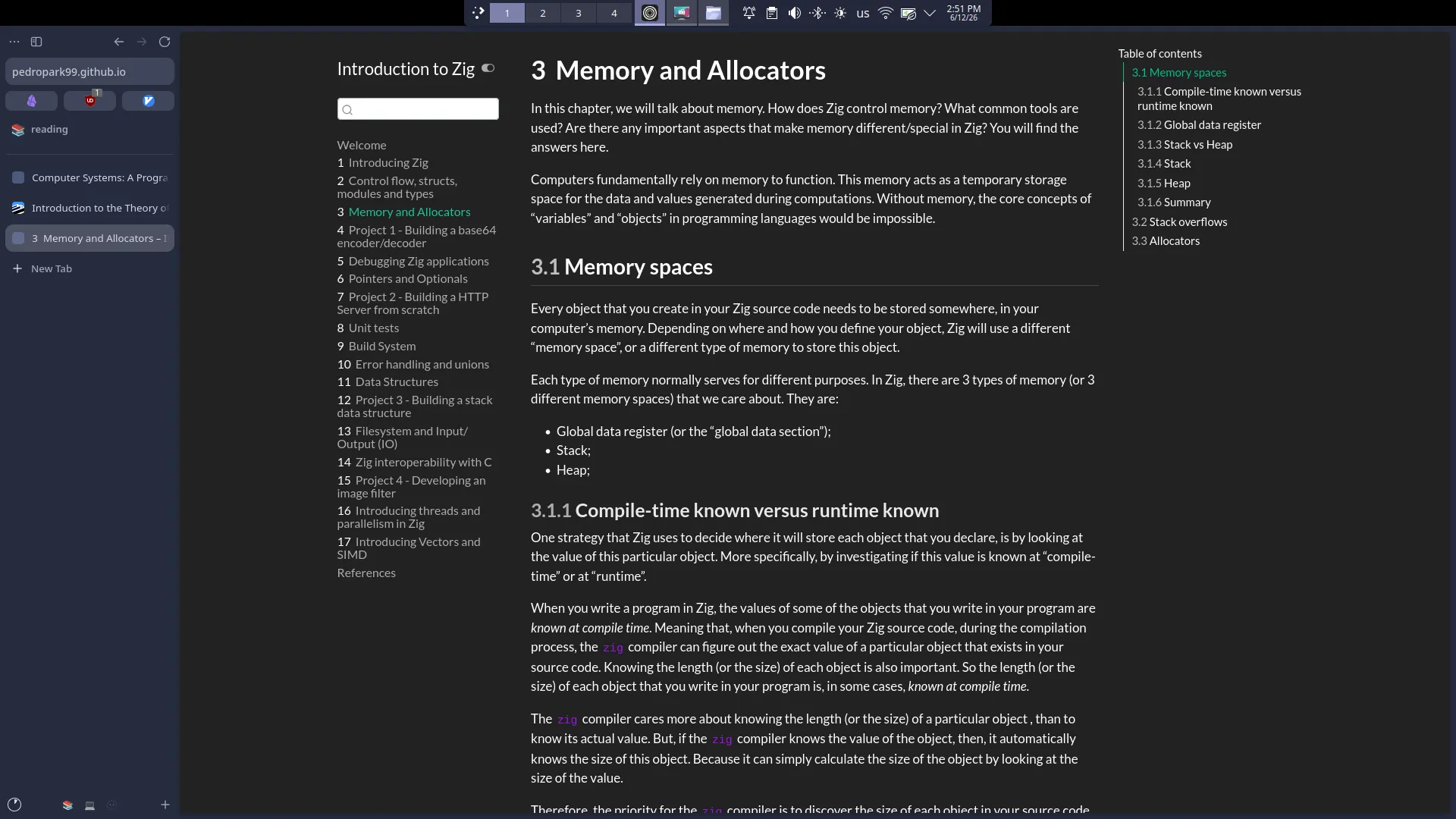
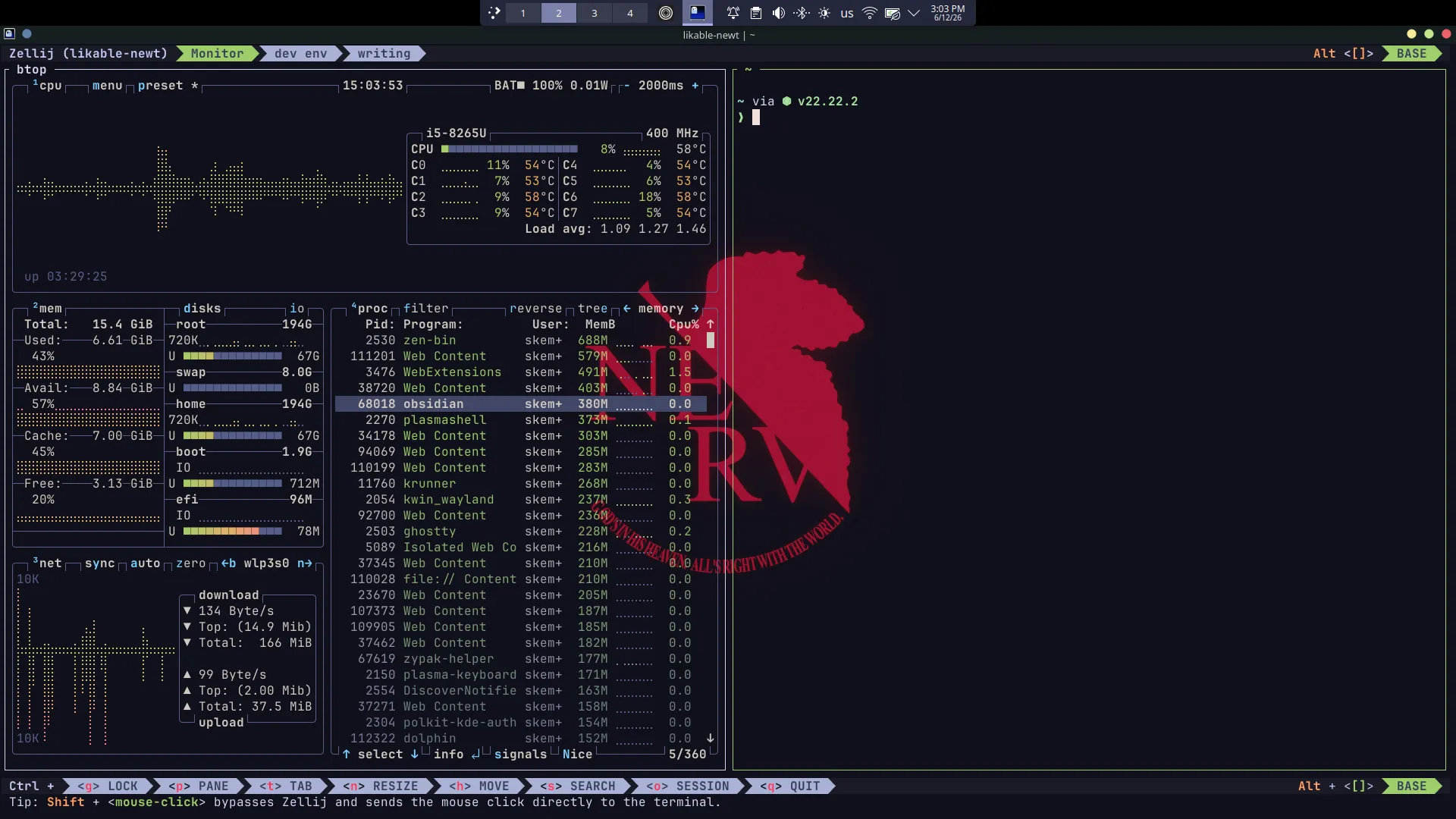
For now I have these workspaces mapped out:
- w1: browser
- w2: terminal
- w3: telegram
Browsing
I started using spaces in zen to seperate different tabs based on use.
- bullshit: yt, twitter,…
- reading: pdfs, gpt, search, blogs,…
- dev: docs, search, localhost, …
Tools
- Notes: Obsidian
- Terminal: Ghostty
- Terminal multiplexer: zellij
- Editor/IDE: Helix / Zed
For most development I use helix. The best terminal editor I tried so far with not much configuration. I just go to a project directory typehelix .and start working immediately. Sometimes I use zed it’s fast, elegant and has everything I need. - Monitoring: Btop
- Browser: Zen for desktop and firefox for mobile so I can sync data with the desktop since zen is firefox based.
- Shell: fish
- Others:
- I found myself comming back to old commands so I got Atuin, it’s a database of the command history that you can search. You can do other things with it like importing the data to another maching, syncing or checking your stats for most used commands and other things.
Notes
Vertical space is scarce and the setup tried to maximize it by hiding title bar and using vertical tabs in zen. First time using a terminal multiplexer so it’s taking some time to get used to it. Zellij has good bindings and shows them in the default config. I love the floating tab, I can just pop it and do something quick.